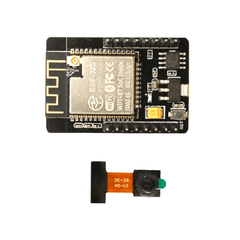
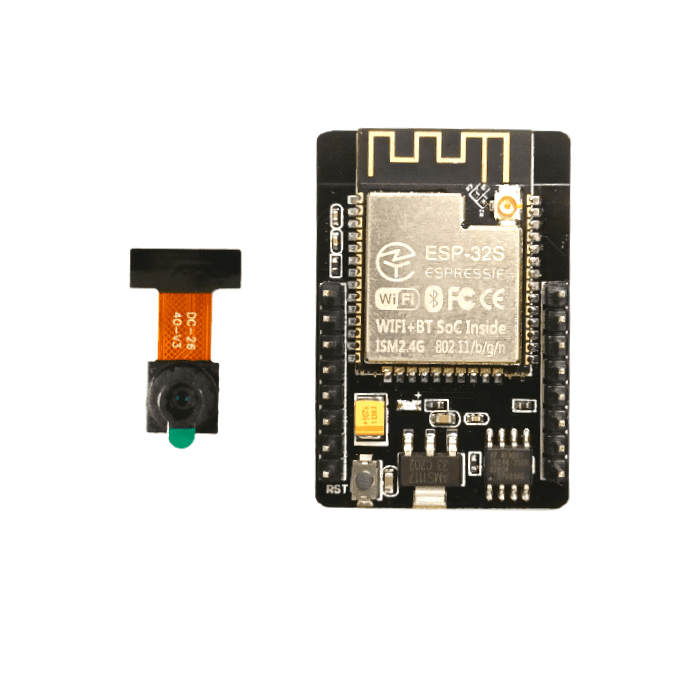
ESP32-CAM WiFi Bluetooth Module 3MP with OV3660 Camera
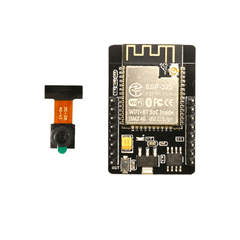
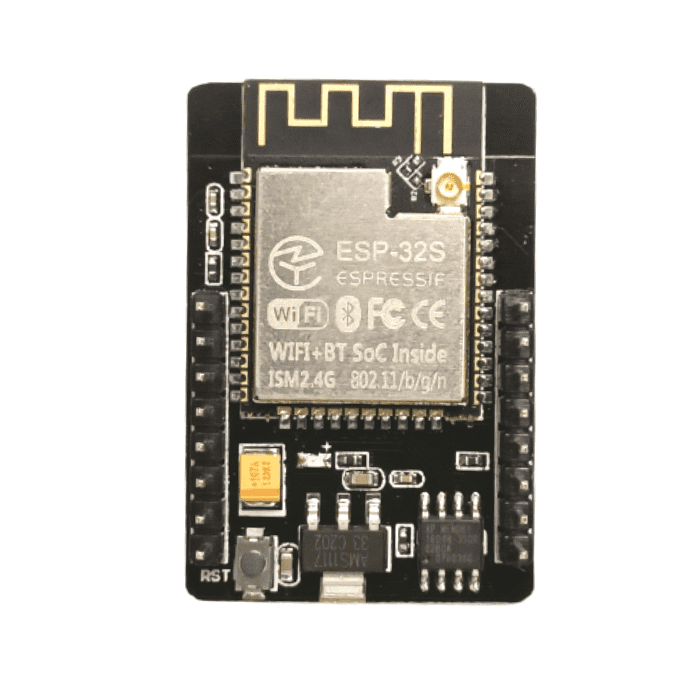
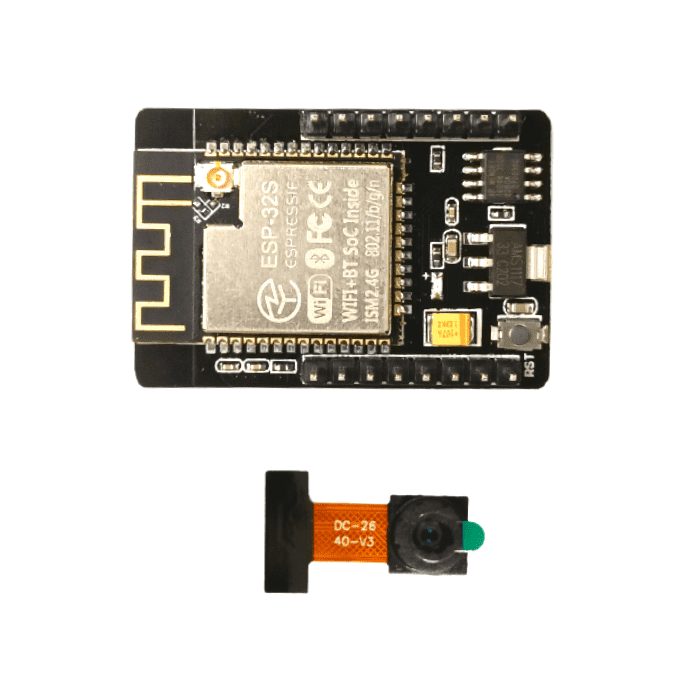
The ESP32-CAM WiFi Bluetooth Module 3MP with OV3660 Camera is a compact development board designed for IoT, smart surveillance, robotics, automation, and embedded vision projects. Powered by the ESP32 platform, it combines wireless connectivity with an integrated 3MP OV3660 camera, allowing developers to capture images and build connected camera applications without requiring a separate camera module.
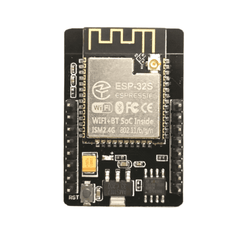
With built-in WiFi, Bluetooth, and BLE Beacon support, the ESP32 CAM can be used for wireless image monitoring, remote access, smart security systems, and other connected applications. Its 4MB PSRAM, 4MB flash memory, and remote firmware upgrade capability provide flexibility for development and prototyping.
The module is suitable for students, makers, IoT developers, robotics engineers, educators, and electronics enthusiasts working on camera-based projects. It can be integrated into applications such as home surveillance, smart doorbells, face recognition systems, wireless video streaming, and industrial monitoring.
Whether you're learning ESP32 programming, developing an IoT camera, or building a custom automation system, this ESP32 camera module provides a compact and flexible platform for connected vision projects.
Pro Tip: Want to get your project up and running quickly? Watch our highly recommended, step-by-step video guide: How to Make a Simple WiFi Security Camera with ESP32-CAM by Max Imagination.
Features
3MP OV3660 Camera
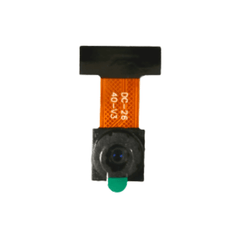
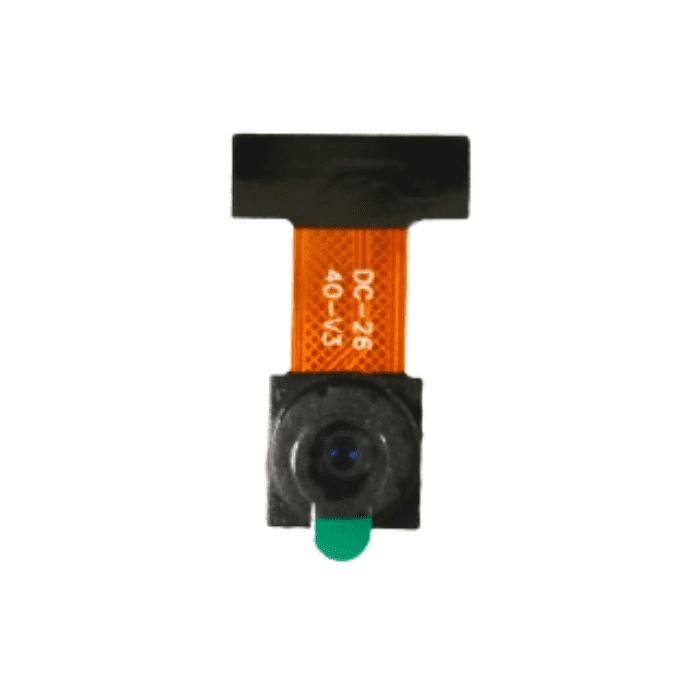
The integrated 3MP OV3660 camera enables image capture for monitoring, security, automation, and computer-vision projects.
Built-In WiFi Connectivity
Built-in WiFi allows the module to communicate with networks and enables remote access for connected camera and IoT applications.
Bluetooth & BLE Support
Bluetooth and BLE connectivity provide additional wireless communication options for compatible IoT, automation, and embedded projects.
4MB PSRAM
The 4MB PSRAM provides additional memory capacity for camera processing and applications that require more working memory.
Remote Firmware Upgrade
Remote firmware upgrade functionality makes it easier to update and maintain compatible ESP32 camera applications during development and deployment.
Compact Development Platform
The integrated ESP32 processor and camera make it possible to build camera-enabled projects without requiring multiple separate modules.
5V Input
The module supports a 5V input supply, making it convenient to integrate into compatible development and embedded setups.
MicroSD Card Support
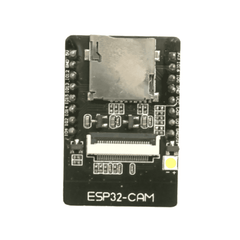
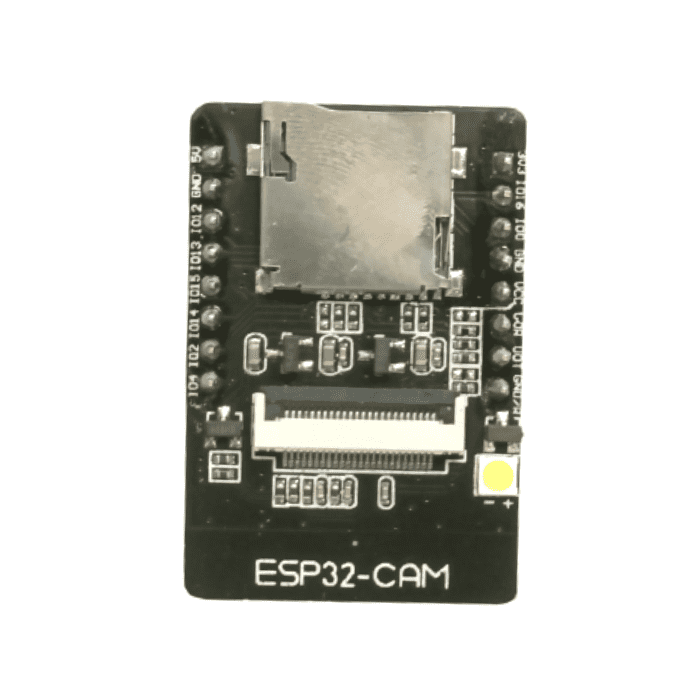
The onboard MicroSD card interface can be used to store captured images and other compatible project data.
Read more: All about ESP32 Camera Module
Why Choose This ESP32 Camera Module?
The ESP32 CAM WiFi Bluetooth Module combines processing, wireless connectivity, and camera functionality in a compact development platform.
-
Integrated camera: Capture images without adding a separate camera module.
-
Wireless connectivity: WiFi and Bluetooth enable connected and remote applications.
-
Flexible development: Suitable for Arduino-based and ESP32 development projects.
-
Multiple applications: Useful for surveillance, automation, robotics, and IoT projects.
-
Expandable storage: MicroSD support allows compatible projects to store captured images and data.
-
Developer-friendly: Suitable for both beginners learning embedded development and experienced makers building prototypes.
-
Compact solution: Combines camera and wireless functionality in a single board.
Who Should Buy This Product?
The ESP32 CAM WiFi Bluetooth Module is ideal for:
Students
Learn ESP32 programming, IoT development, wireless communication, and camera-based electronics projects.
Makers & DIY Enthusiasts
Build smart cameras, home automation systems, wireless monitoring devices, and custom electronics projects.
IoT Developers
Develop connected camera systems, remote monitoring devices, smart security solutions, and other IoT applications.
Robotics Engineers
Add wireless image capture and monitoring capabilities to robots and autonomous systems.
Educators & Training Institutes
Use the module for practical learning in embedded systems, IoT, electronics, and computer vision.
Electronics & Embedded Developers
Prototype camera-enabled products and connected embedded systems using the ESP32 platform.
ESP32-CAM Pinout:
Ideal For
- IoT Development
- Home Surveillance
- Robotics
- Smart Automation
- Wireless Monitoring
- Face Recognition
- Computer Vision
- DIY Electronics
- Embedded Systems
- STEM Projects
ESP32 Camera Module Price in India
The ESP32 Camera Module price in India is ₹635 at Robocraze. The final price may vary depending on stock availability, ongoing offers, and promotional discounts.
Robocraze provides ESP32 camera modules and electronics components online in India with secure packaging, technical assistance, GST invoice where applicable, and dependable customer support.
Why Buy from Robocraze?
- Genuine ESP32 Camera Module
- Quality-checked products
- Trusted electronics and robotics supplier
- Secure packaging
- Shipping across India
- GST invoice available
- Dedicated technical support
-
Reliable after-sales assistance
Use Cases
IoT Surveillance
Build compact wireless surveillance systems capable of capturing and transmitting images over a network.
Smart Home Projects
Integrate the camera module into smart doorbells, monitoring systems, and connected home automation projects.
Robotics
Add wireless vision and image-capture capabilities to robots and experimental autonomous systems.
Face Recognition
Use the camera for compatible image-processing and face-recognition experiments.
Wireless Video Streaming
Develop projects that capture and transmit camera data over WiFi.
Embedded Vision
Create custom camera-enabled embedded systems for education, prototyping, and research.
Build Your Security Camera Using ESP32-CAM: A Step-by-Step Guide
ESP32 Camera Module Specifications Comparison:
| Feature |
ESP32 Camera Module (OV2640) |
ESP32 Dev Module (WROOM-32) |
ESP32-CAM AI Thinker |
| Microcontroller |
ESP32-S |
ESP32-WROOM-32 |
ESP32-S |
| Camera Sensor |
OV2640 2MP |
Not Available |
OV2640 2MP |
| Max Resolution |
1600 × 1200 (UXGA) |
Not Applicable |
1600 × 1200 (UXGA) |
| WiFi |
802.11 b/g/n |
802.11 b/g/n |
802.11 b/g/n |
| Bluetooth |
Bluetooth 4.2 + BLE |
Bluetooth 4.2 + BLE |
Bluetooth 4.2 + BLE |
| PSRAM |
4MB PSRAM |
No PSRAM (Standard) |
4MB PSRAM |
| Flash Memory |
4MB |
4MB |
4MB |
| GPIO Pins Available |
Limited (Shared with camera) |
30+ GPIO |
Limited (Shared with camera) |
| MicroSD Card Slot |
Yes |
No |
Yes |
| USB Interface |
External FTDI Required |
Built-in USB-to-Serial |
External FTDI Required |
| Best Use Case |
IoT Surveillance, Face Detection |
General IoT & Embedded Projects |
Smart Camera & AI Applications |
How to Program ESP32-CAM (with ESP32-CAM-MB Programmer)
One of the most common challenges for beginners is that the standard ESP32-CAM module does not have a built-in USB port for programming. While you can use a separate FTDI/USB-to-serial adapter (requiring manual wiring and grounding GPIO 0), the easiest, most reliable, and most beginner-friendly method is to use the ESP32-CAM-MB Programmer.
The ESP32-CAM-MB is a dedicated programming shield that provides stable power delivery (preventing common "brownout" errors) and features built-in Flash and Reset buttons for seamless code uploading.
Step-by-Step Guide to Uploading Code:
-
Prepare Your IDE: Install the ESP32 board package in your Arduino IDE and select "AI Thinker ESP32-CAM" from the Board Manager.
-
Connect the Module: Carefully align and plug your ESP32-CAM module into the ESP32-CAM-MB programmer base.
-
Connect to PC: Use a high-quality Micro-USB (or Type-C, depending on your MB version) data cable to connect the programmer to your computer.
-
Select COM Port: In the Arduino IDE, go to Tools > Port and select the correct COM port for your device.
-
Enter Flash Mode: Press and hold the BOOT (or FLASH) button on the ESP32-CAM-MB board.
-
Upload Code: While holding the BOOT button, click the Upload button in the Arduino IDE. Once you see "Connecting..." in the console, you can release the BOOT button.
-
Reset and Run: After the code successfully uploads, press the RESET button on the programmer. Your ESP32-CAM will now restart and run your new code.







 Chat
Chat


