Waveshare 7 Inch QLED Capacitive Touch Dot Display 1024x600 Supports Various Systems
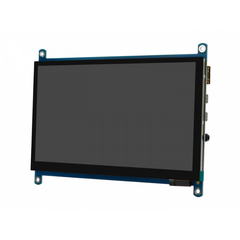
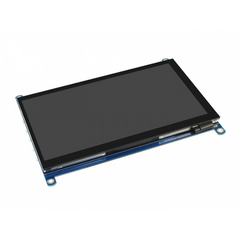
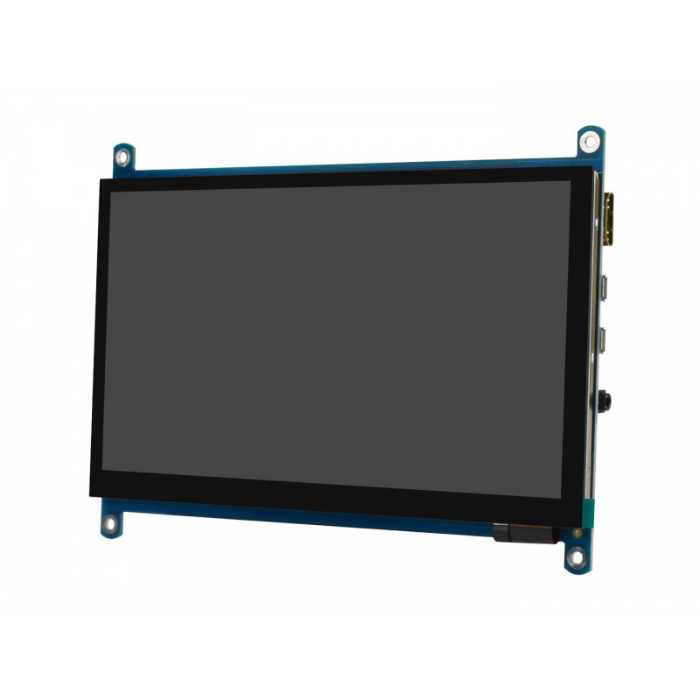
The Waveshare 7 Inch QLED Capacitive Touch Display combines Quantum Dot technology, high-resolution visuals, and responsive capacitive touch for embedded, IoT, and desktop applications. Its 1024×600 resolution and 16.7M colors deliver sharp images with vibrant color reproduction and high contrast.
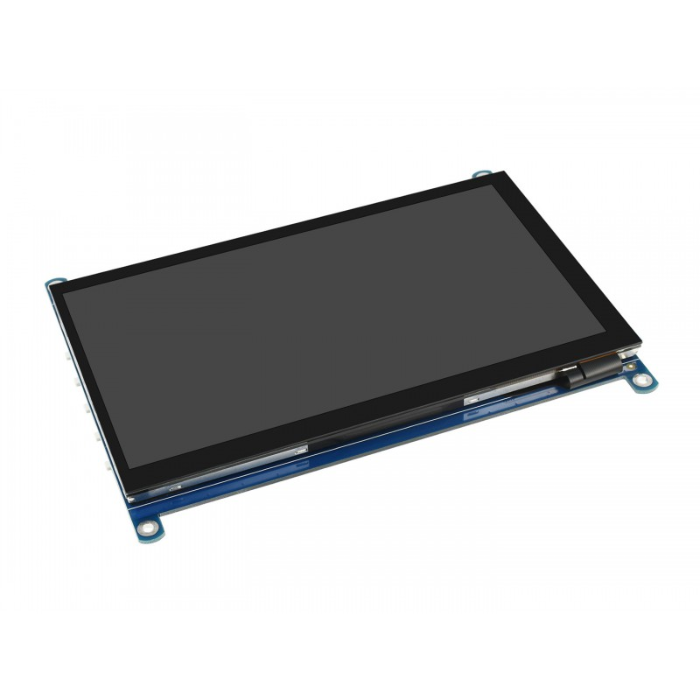
The 7-inch display features a 5-point capacitive touch interface for smooth and precise interaction. A G+G toughened glass panel provides added durability and scratch resistance while maintaining touch sensitivity.
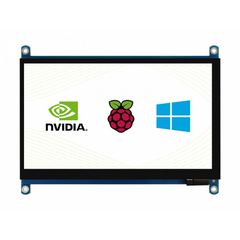
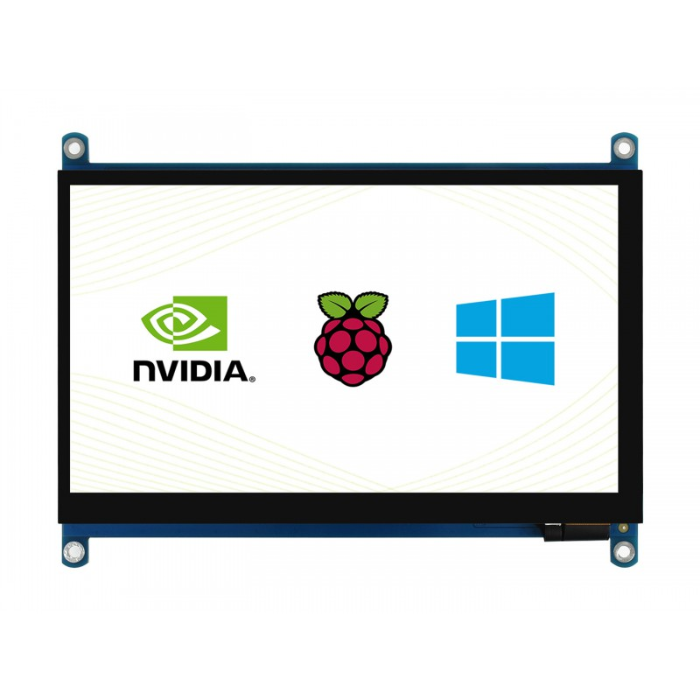
The display connects through HDMI for video output and USB for touch functionality. It is compatible with Raspberry Pi, NVIDIA Jetson Nano, Windows, Ubuntu, and other systems that support HDMI display output and USB touch input.
With a 170° viewing angle, adjustable backlight control, wide-range USB power input, and integrated audio outputs, this Waveshare QLED display provides a flexible solution for dashboards, control panels, kiosks, embedded systems, and other interactive applications.
Why Choose This Waveshare 7 Inch QLED Display?
The Waveshare 7 Inch QLED Capacitive Touch Display combines Quantum Dot technology, 1024×600 resolution, 5-point touch support, and broad system compatibility in a compact display solution.
Its HDMI and USB interfaces simplify connection to compatible computers and development boards, while the toughened G+G glass panel provides durability for regular use. Adjustable backlight control and a wide viewing angle also make the display suitable for different project environments.
Waveshare 7 Inch Display Price in India
Looking to buy the Waveshare 7 Inch QLED Capacitive Touch Display in India? At Robocraze, the display is available at ₹6,499, reduced from the listed price of ₹8,089, with offers and stock availability subject to change.
Robocraze provides technical support, secure packaging, fast shipping, GST invoices, easy returns, and after-sales assistance for electronics, embedded systems, displays, and development hardware.
Board Details
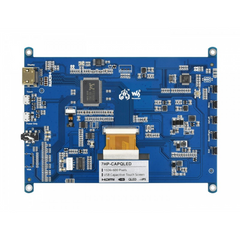
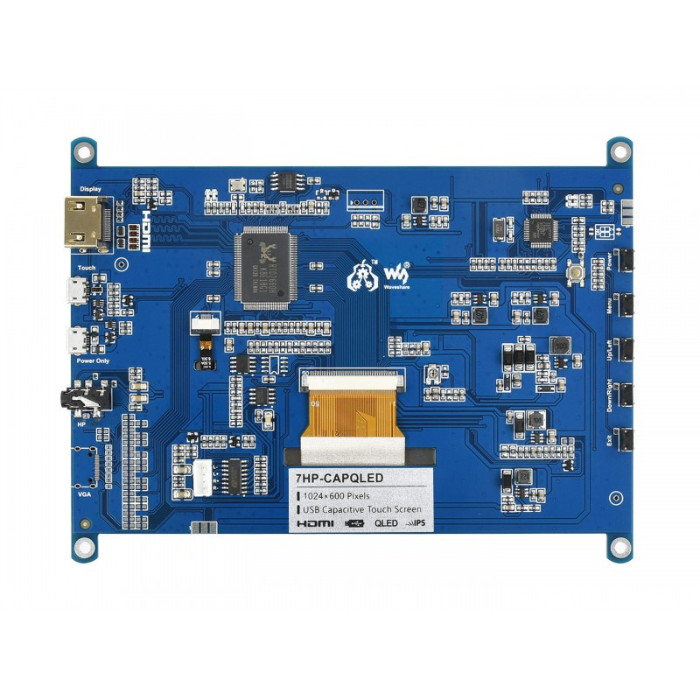
- LCD FFC cable anti-interference design, more stable for industrial application
- VCOM voltage adjustment for optimizing display effect
- USB protocol translator, converting the touch signal into standard multi-points touch protocol to achieve smooth multi-points touch control
- 4~5.5V wide range USB power input, to avoid display flickering or touch failure that caused by low USB voltage
- Low dropout ideal diode isolation, when both the Touch and Power Only are connected to a power source, only the one with more power capability will be used as power supply. The two power inputs are totally isolated to prevent any breakdown
- Two audio outputs for earphone and speaker, each track of speaker supports 2.6W PA circuit
- OSD menu config buttons for adjusting backlight (via software) and display color
- DC-DC LCD driver circuit, low heating on long term operation
Features:
Quantum Dot Display Technology
QLED Quantum Dot technology provides enhanced color performance, brightness, and contrast for vibrant and detailed visuals.
1024×600 High Resolution
The 7-inch display provides a 1024×600 resolution with support for 16.7M colors, delivering clear visuals for embedded and desktop applications.
5-Point Capacitive Touch
The capacitive touch interface supports up to 5-point touch input for responsive and intuitive interaction.
G+G Toughened Glass Panel
The glass-on-glass construction provides enhanced durability and scratch resistance while maintaining accurate touch sensitivity.
HDMI Display Interface
An HDMI interface provides convenient video connectivity with Raspberry Pi, Jetson Nano, Windows PCs, Ubuntu systems, and compatible devices.
USB Touch Interface
The USB connection provides touch functionality and uses a USB protocol translator to convert touch signals into a standard multi-point touch protocol.
Wide Viewing Angle
The display provides a 170° viewing angle, allowing comfortable viewing from different positions.
Adjustable Backlight Control
Backlight control allows users to adjust display brightness and support power-saving operation.
Wide-Range USB Power Input
The display supports a 4–5.5V USB power input, helping reduce flickering and touch failures caused by insufficient USB voltage.
Integrated Audio Output
The display includes separate audio outputs for earphones and speakers, with each speaker track supporting a 2.6W PA circuit.
Who Should Buy This Product?
-
Raspberry Pi Users: Build interactive dashboards, control panels, and embedded interfaces.
-
Embedded Developers: Add touch-based display functionality to embedded and IoT projects.
-
Robotics Developers: Use the display as an interactive interface for robotics systems.
-
IoT Developers: Create monitoring panels, smart home interfaces, and connected device displays.
-
Students and Makers: Experiment with touchscreen interfaces and single-board computers.
-
Desktop and Mini PC Users: Add a compact HDMI display with USB touch functionality to compatible systems.
Setup Guide:
Step 1: Connect the Display
- Use an HDMI cable to connect the display to your device
- Connect the USB cable for touch functionality
Step 2: Power the Display
- Power is supplied via USB connection
- Ensure sufficient power from your source (especially for Raspberry Pi)
Step 3: Configure Display Resolution
Edit config.txt to set resolution (if needed)
Adjust display settings from system preferences
Step 4: Enable Touch Function
- Most systems auto-detect touch
- If not, install required drivers (mainly for older Linux builds)
Step 5: Calibrate Touch (Optional)
- Use calibration tools like xinput (Linux)
- Windows usually auto-calibrates
Compatibility Table:
| Platform / Device |
Display Output |
Touch Support |
Notes |
| Raspberry Pi (All models with HDMI) |
HDMI Supported |
Supported (USB Touch) |
Fully compatible with Raspberry Pi OS |
| NVIDIA Jetson Nano |
HDMI Supported |
Supported (USB Touch) |
Works with Ubuntu-based systems |
| Windows PC / Laptop |
HDMI Supported |
Supported (USB Touch) |
Plug-and-play, no additional drivers required |
| Ubuntu / Linux Systems |
HDMI Supported |
Supported (USB Touch) |
Touch may require manual calibration |
| Mini PCs |
HDMI Supported |
Supported (USB Touch) |
Fully compatible across most systems |
| Gaming Consoles |
HDMI Supported |
Not Supported |
Supports display output only |










 Chat
Chat


