1. What is the Arduino TinkerKit Braccio robotic arm used for?
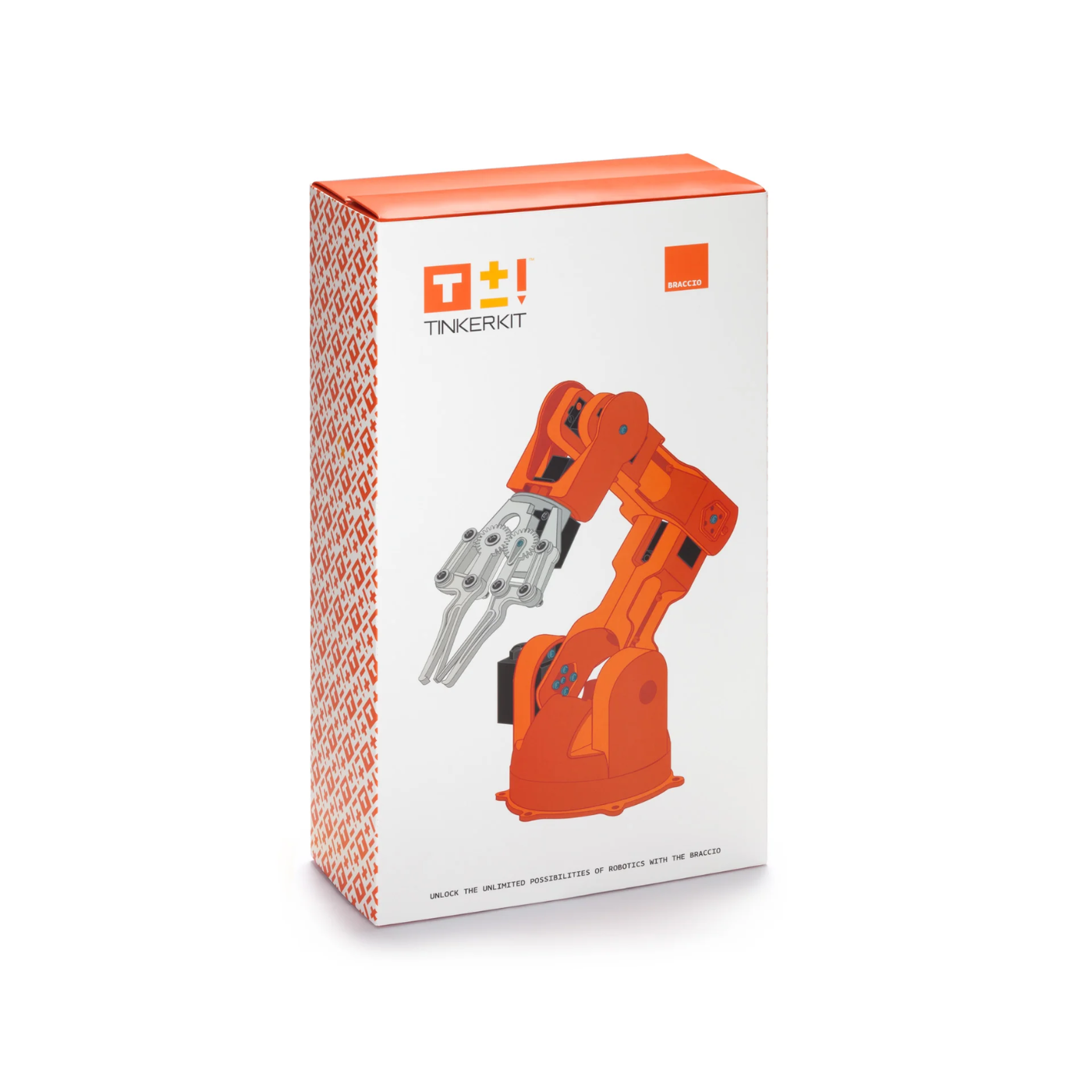
The Arduino TinkerKit Braccio robotic arm is used for learning robotics, automation, and programming with Arduino. It allows users to experiment with tasks like object manipulation, pick and place operations, and automation projects. This robotic arm is ideal for educational purposes, prototyping, and DIY projects that require a reliable, programmable robotic arm using Arduino.
2. Is the Arduino Braccio robotic arm suitable for beginners?
Yes, the Arduino Braccio robotic arm is suitable for beginners. It includes detailed instructions and is designed to be easy to assemble and program, making it perfect for those new to robotics and Arduino. With its simple integration into Arduino projects, beginners can quickly understand robotics concepts and start building interactive, automated systems.
3. Does the Braccio robotic arm come with an Arduino board included?
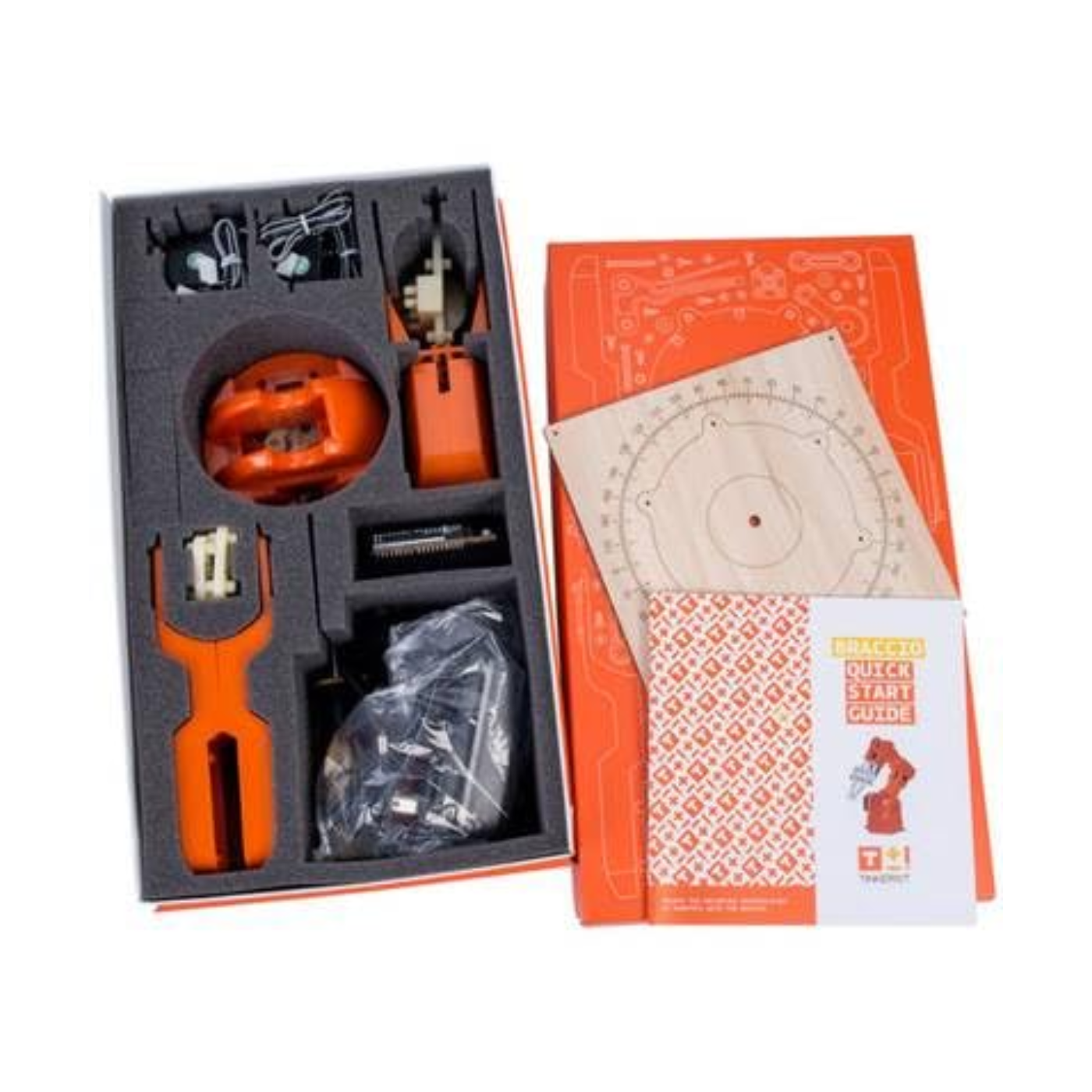
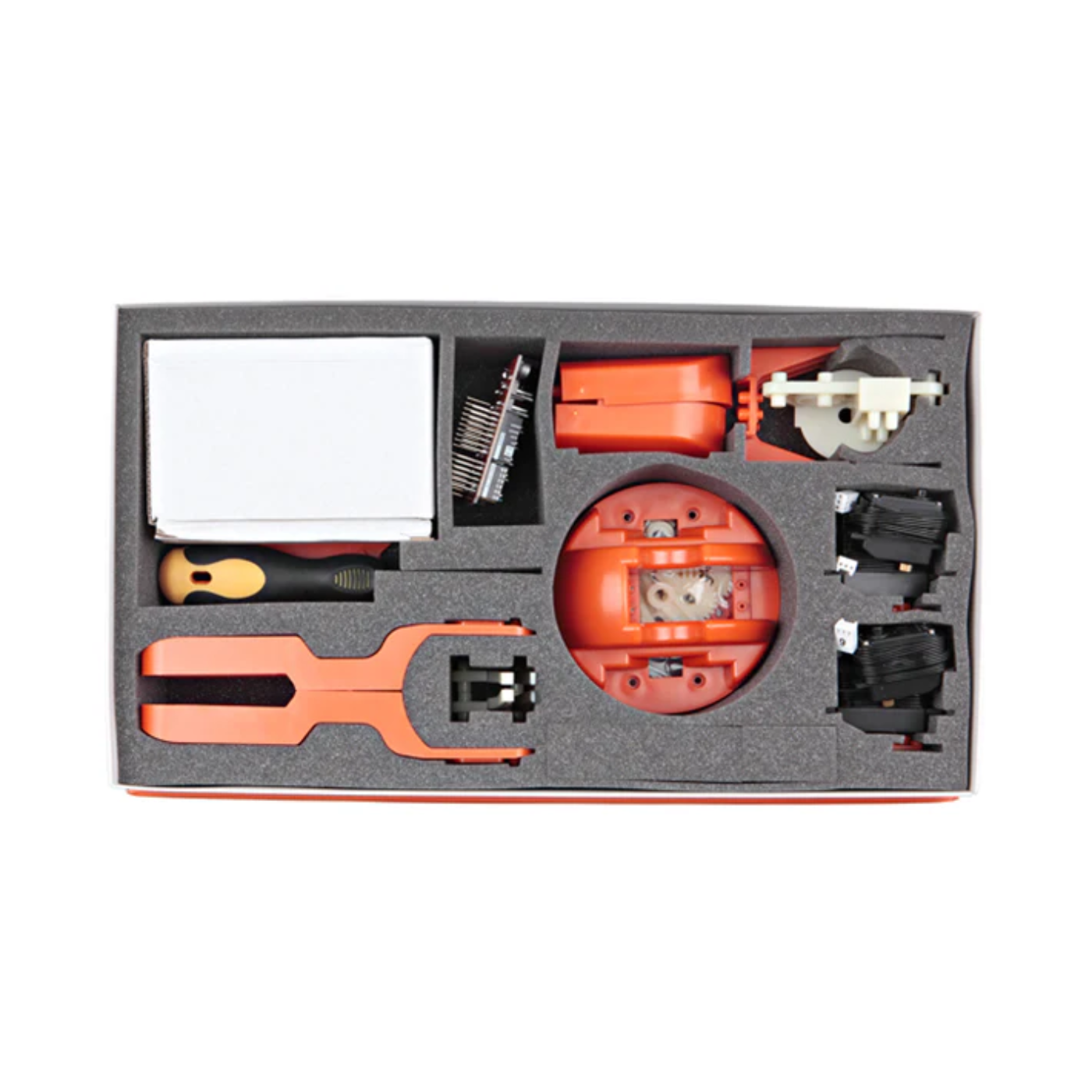
The Braccio robotic arm kit typically does not include an Arduino board in the box. Users need to purchase a compatible Arduino board, such as the Arduino Uno, separately. Always check the product details to confirm what’s included, as some kits may offer bundles with the Arduino board.
4. How many axes does the Arduino Braccio robotic arm have?
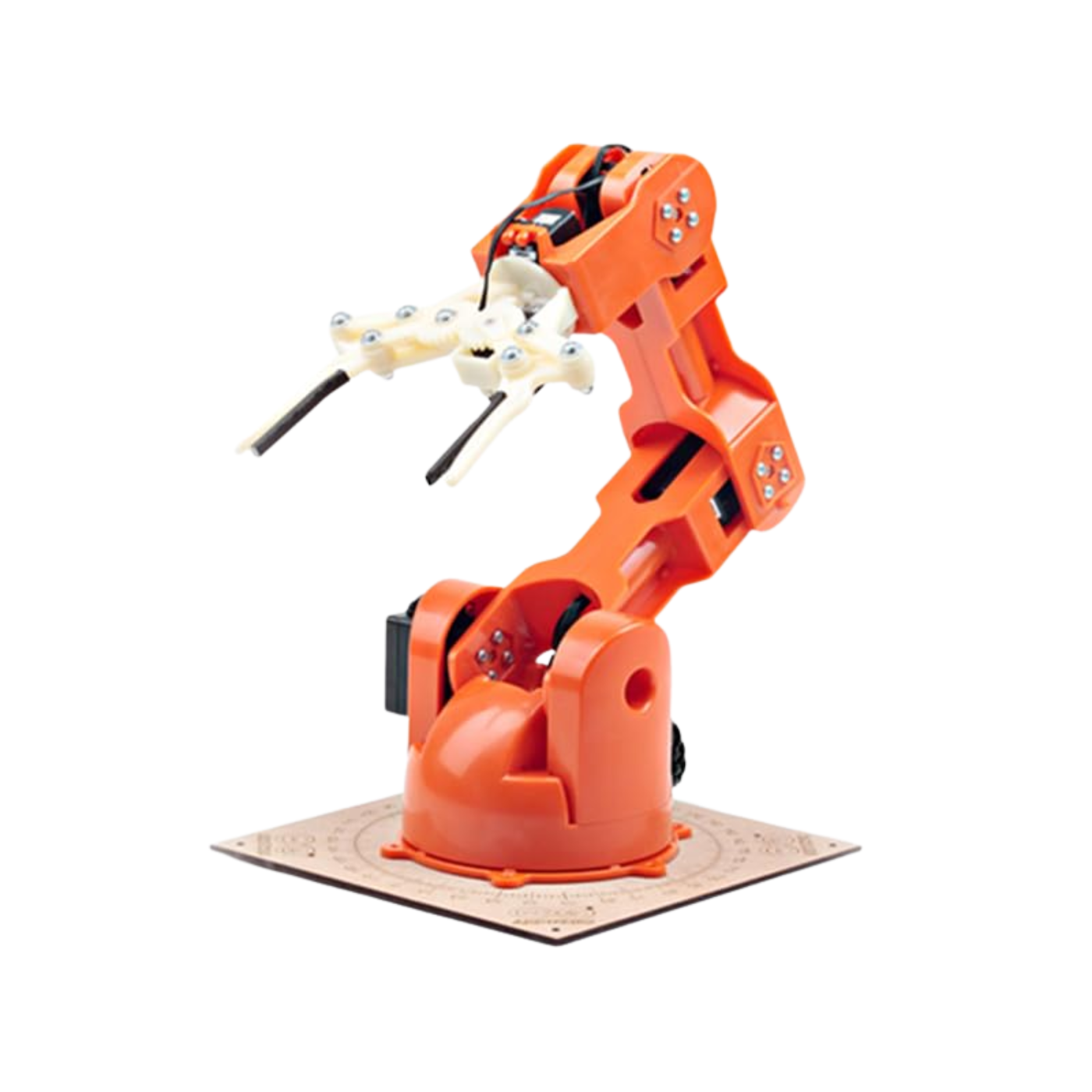
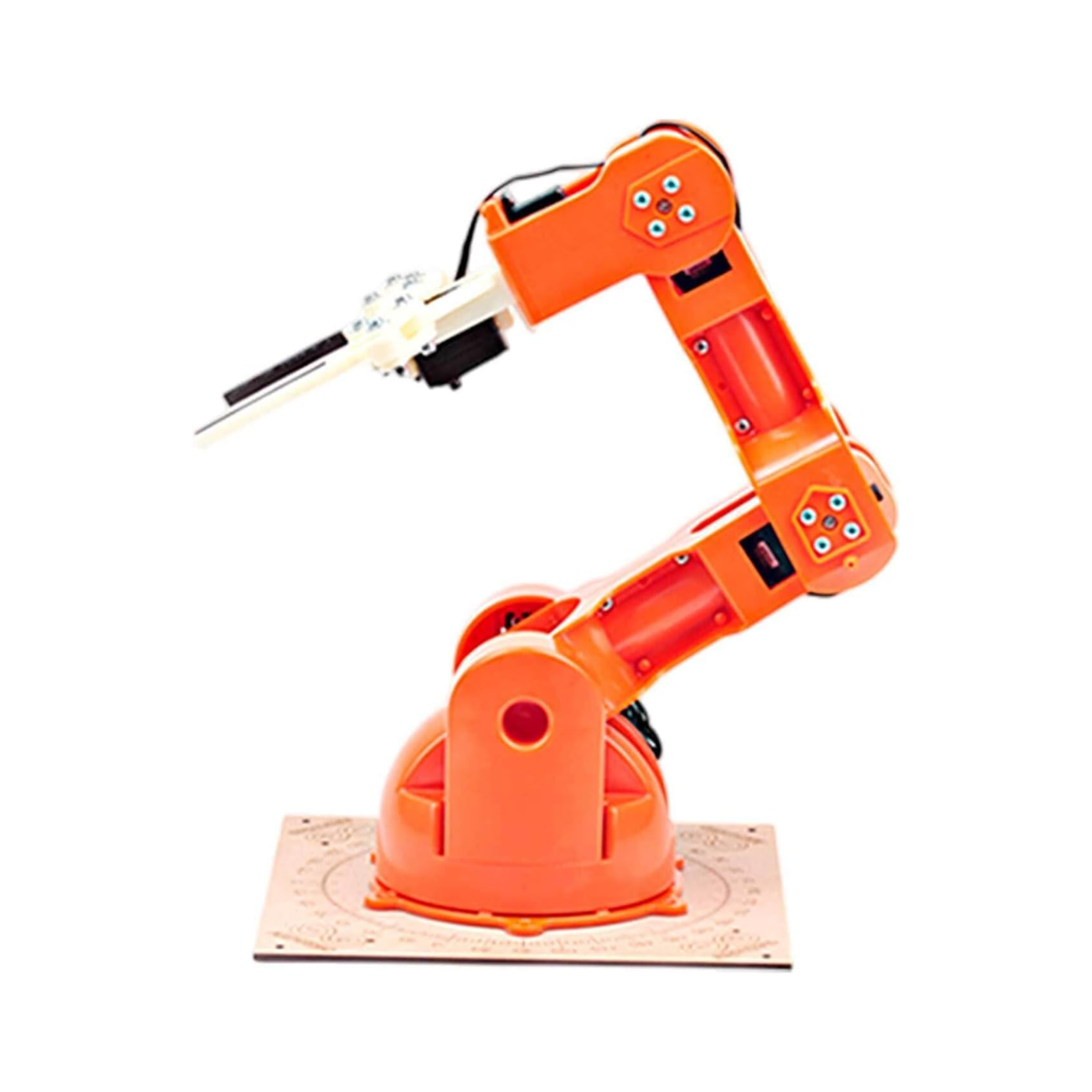
The Arduino Braccio robotic arm features six different axes of movement, including the base, shoulder, elbow, wrist, and gripper rotations. This multi-axis design allows for a wide range of motion, making it versatile for tasks such as picking, placing, and manipulating objects in various directions within a robotic project.
5. Can the Braccio robotic arm pick and move objects for real projects?
Yes, the Arduino Braccio robotic arm can pick and move objects for real projects. It has a functional gripper and multiple axes of movement, allowing it to grasp and transport lightweight items. This makes it suitable for automation, assembly line prototypes, educational experiments, and hands-on robotics applications using Arduino.






 Chat
Chat


