







 Chat
0.96 Inch OLED Display Module SPI/I2C 4pin Blue Color
ESP32 38-Pin WiFi + Bluetooth NodeMCU Development Board
Enter your pincode to check delivery speed


Visit brand store FREE SHIPPING BEST PRICE GUARANTEED
Let us know!
We'll try to match the price for you
For Best Price Contact on WhatsApp for bulk discounts!
Or Fill the Form Below


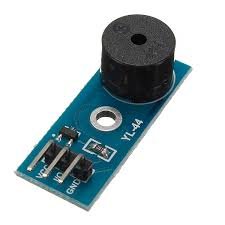
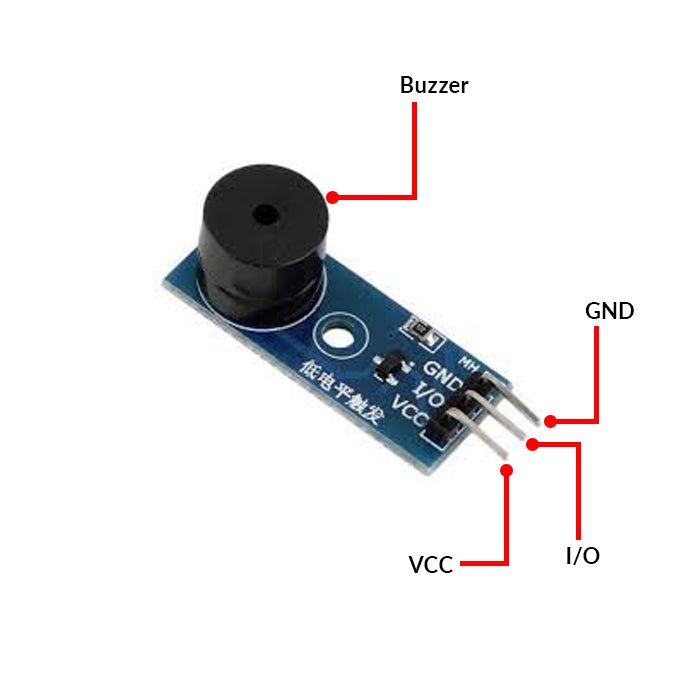
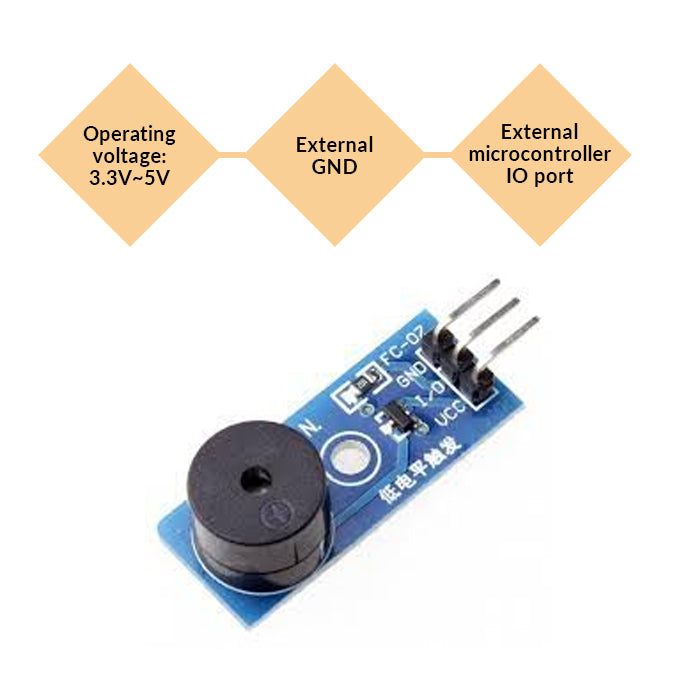
| Operating voltage | 3.3V-5V |
| Dimensions | 34.28 x 13.29 x 11.5 |
| Frequency | 2500Hz |
| Weight | 7 gm. |
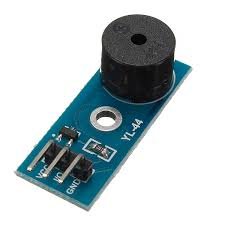
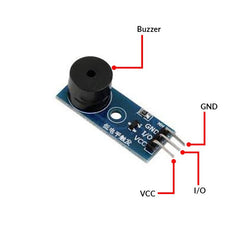
When the signal level is high, the Active Buzzer module emits a single-tone sound. Use the Passive Buzzer module to create various tones. A piezoelectric buzzer with an integrated oscillator makes up the Active Buzzer module. It generates a sound of approximately 2.5 kHz when the signal is high.
An active buzzer has its own oscillator, so it beeps at a fixed tone as soon as the signal pin goes HIGH. In Arduino use digitalWrite(pin, HIGH) to beep and LOW to stop. No tone() call is needed.
The Connections are pretty simple: Connect the Supply wire (RED) of the buzzer to the Digital Pin 9 of the Arduino through a 100-ohm resistor. Connect the Ground wire (BLACK) of the buzzer to any Ground Pin on the Arduino. That's all of it.
An active buzzer generates the sound itself. You basically just turn it on or off. A passive buzzer needs a signal source that provides the sound signal. You can tell which is which by measuring the resistance between the two leads.
Active Buzzer Module 3.3V-5V
Robust product quality ensures long-term reliability always for users. The materials are high-grade, and the manufacturing is precise. It handles demanding tasks effortlessly, proving to be valuable. I am very satisfied with this purchase overall.
I use audio alerts in my advanced projects, and this module went beyond what I expected. I highly recommend it!
Return ka order dala but abhi Tak koi responce nahi replece karna tha backup nahi de Raha hit ho ja rah
works good
Thanks for subscribing!
This email has been registered!
| Product | SKU | Description | Collection | Availability | Product Type | Other Details |
|---|
0.96 Inch OLED Display Module SPI/I2C 4pin Blue Color
ESP32 38-Pin WiFi + Bluetooth NodeMCU Development Board
Stainless Steel Smooth Rod Shaft 10 mm x 400 mm
My website experience was smooth, intuitive, and completely hassle-free overall. Finding the exact electronic components was very easy thanks to clear categories and highly effective search filters available. I am very satisfied with this purchase today.
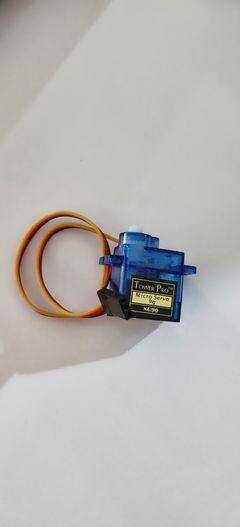
The packing was secure and delivery arrived right on time. Product quality is excellent, and the servo works perfectly with my Arduino project. Website experience was smooth, and customer support answered my technical queries very quickly and politely.
Authentic product quality is guaranteed here always for buyers. The components are genuine and not cheap clones. They meet all specified tolerances and perform reliably, making them worth it. I am very satisfied with this purchase.
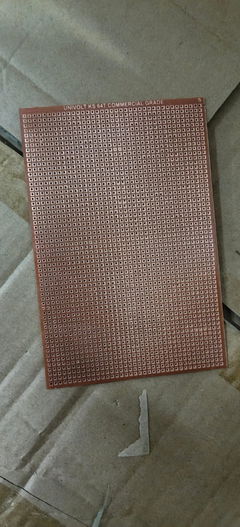
Clear website experience with well-structured categories overall today. I found the unsoldered board variant easily. The product images matched the received item exactly, and description was accurate. I will buy from this store again soon.
Reliable product working has been consistent over weeks of continuous testing. No overheating, no unexpected resets, and stable output. It handles the load perfectly, proving its durability for projects. I am very satisfied with this purchase.